
About How-To WP
Hi, I’m Muhammad Shakeel
I’m the WordPress technical specialist behind How-To WP.
I created How-To WP to help absolute beginners learn WordPress with less confusion and more confidence. If you are trying to start a site, fix a problem, choose the right plugin, improve speed, or understand a WordPress setting, my goal is to explain the next step in plain English.
My background is hands-on: 10+ years across WordPress builds, freelancing, advanced support, debugging, performance work, website maintenance, and practical custom WordPress improvements.

Why I Started How-To WP
My journey with websites started during my Computer Science university days. I began with HTML and CSS, built my first website from scratch in 2013, and quickly learned how painful manual updates could become. Changing one menu item across static pages was enough to make me look for a better way.
That search led me to WordPress. In 2014, I launched my first WordPress website, then started helping clients with real websites, real problems, and real deadlines. Over time, more beginners came to me with the same kinds of questions: Why did this break? Which setting matters? What should I do next?
How-To WP grew from that pattern. It is the place where I turn practical WordPress experience into simple tutorials, checklists, explanations, and fixes for people who do not want technical fog.
What You Can Expect Here
- Beginner-friendly WordPress tutorials that explain what to do and why it matters.
- Practical help with setup, themes, plugins, hosting, SEO, speed, security, and troubleshooting.
- Plain-English WordPress glossary pages for technical terms that usually feel harder than they need to.
- Resource recommendations and site-care advice based on real support and maintenance experience.
My WordPress Background
🛠️
Support and Debugging
I have worked through broken sites, plugin conflicts, fatal errors, update issues, and escalated support cases where calm troubleshooting matters as much as technical depth.
⚡
Performance and Reliability
I care about faster pages, cleaner dashboards, safer updates, stronger maintenance habits, and fixes that leave a site in better shape than before.
🤝
Products and Community
I also build WordPress products, including Memory Limit Manager on WordPress.org, and stay active in the WordPress ecosystem through events and community work.
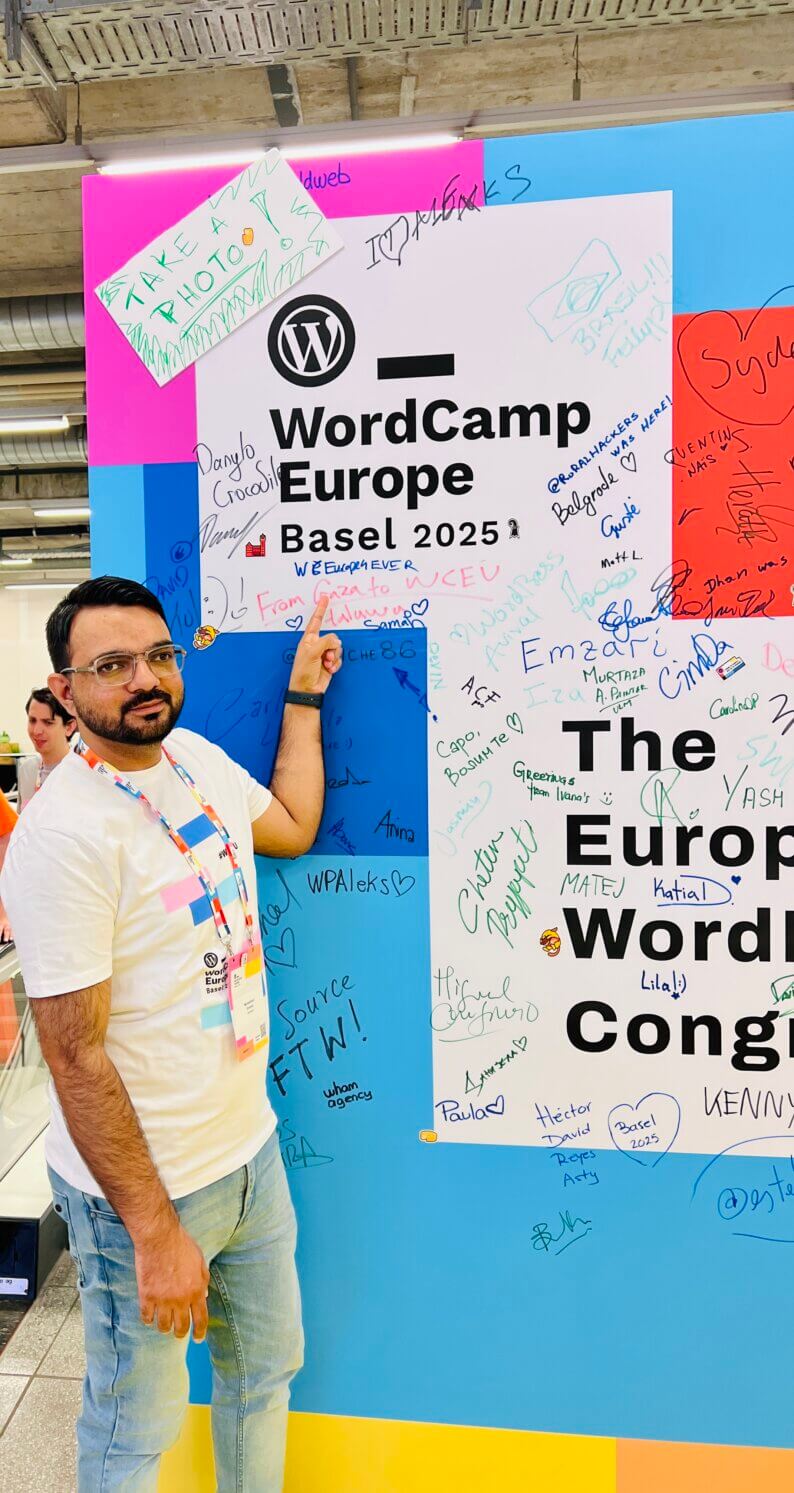
Connected to the WordPress Community
WordPress is not just software to me. It is a community of builders, support people, product teams, freelancers, agencies, contributors, and site owners solving real problems together.
I have been part of international WordPress events including WordCamp Asia 2023 in Bangkok, WordCamp Asia 2024 in Taipei, WordCamp Lisbon 2025, and WordCamp Europe 2025 in Basel. Those experiences keep How-To WP grounded in how people actually use WordPress today.
You can also learn more about my broader technical work on my personal about page.
Outside WordPress, I also build small free web tools: SimpleMorse, a Morse code translator with sound and MP3 downloads; Calculate Snow Day, which estimates tomorrow’s chance of a US school closing for snow; and FillerLists, which shows which episodes of long anime are filler so you can skip them.
Hands-On WordPress Help
How-To WP is also where I offer WordPress services for people who want someone to handle the work. Alongside the free tutorials, I help site owners with ongoing maintenance, troubleshooting and repairs, migrations, and malware cleanup.
You work with me directly. We agree on the scope and price before work starts, I take a backup before making changes, and I check the result and explain what was done. If you are unsure what your site needs, tell me what you are seeing and I can help you choose the next step.
The Goal
The goal of How-To WP is simple: make WordPress easier for beginners without watering it down. I want this site to help you understand your website, make better decisions, and fix common problems with confidence.
If a tutorial here saves you from panic, wasted time, or one unnecessary plugin, it has done its job.